


AI workplace automation tools link programs, handle data and automate repetitive business tasks based on predefined regulations and artificial intelligence.
Zapier is a solid overall choice for beginners, Make is easy to use when you want to build visual workflows, and n8n is flexible for technical teams.
Workato and Tray.ai offer integration and governance features in case of enterprise requirements. The correct decision will be based on the complexity of work, technical expertise and budget.
Quick Comparison: 6 Best AI Workflow Automation Tools
| Tool | Best for | Tier | Pricing model |
| Zapier | Application integrations | Accessible | Tasks |
| Make | Visual automation | Accessible | Credits |
| Gumloop | AI-driven workflows | Accessible | Credits |
| n8n | Self-hosted automation | Technical | Executions |
| Tray.ai | Enterprise integrations | Enterprise | Custom/usage-based |
| Workato | Enterprise automation | Enterprise | Custom/usage-based |
How We Evaluated These Workflow Automation Tools
The comparison is based on AI capabilities, integrations, flexible workflow, pricing, learning needs, error handling and governance.
It relies on vendor documentation and published product information instead of claiming independent hands-on testing.
This list includes workflow automation platforms and AI agent or workflow builders, but not task managers like Asana or RPA suites like UiPath.
6 Best AI Workflow Automation Tools in 2026
1. Zapier – Best for Application Integrations
Verdict: Fits in firms automating routine operations without coding.
Tier: No-code automation that is accessible.
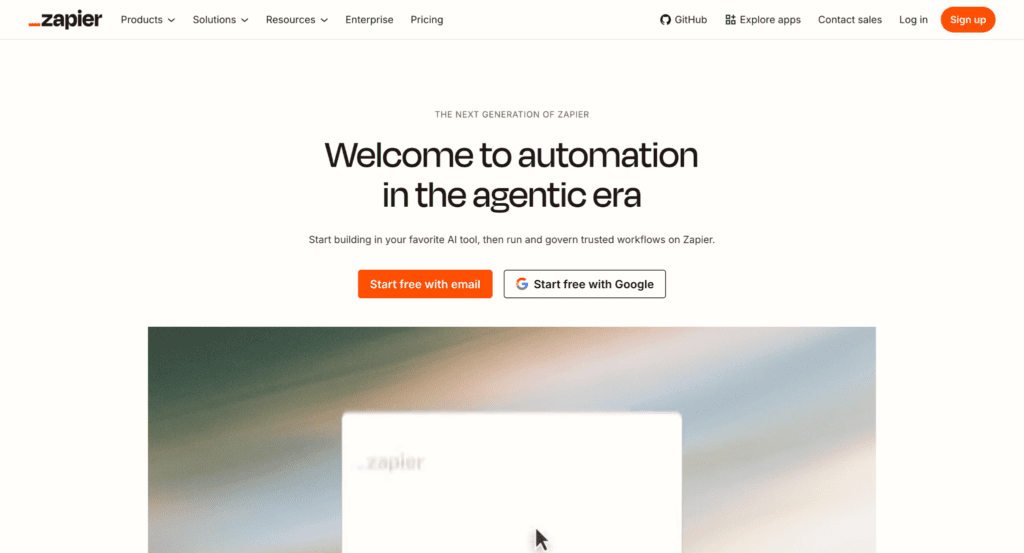
What it does: Zapier links together thousands of applications in trigger-and-action workflows called Zaps. When a new form is submitted, an email or CRM update can automatically follow up in other related applications.
Key AI features: AI-driven workflow steps, AI Agents, AI chatbots, AI-assisted workflow creation and integrations with various external AI models.
Example workflow: A new lead is received through a website form. Zapier adds the contact to the CRM, categorizes the enquiry with the help of AI and provides a notification via Slack.
Pricing: Zapier has an option of free version that comes with 100 tasks per month. Paid plans are based on task allowances and billing frequency.
Pros: Easy-to-use interface, a large number of integrations and available artificial intelligence features.
Cons: Task consumption is greater when the work is more active, issues with complex workflow must be organised, and more complex controls can necessitate higher plan tiers.
Best for: Marketing agencies and small businesses automating lead management and notifications.
Limitation: Due to the heavy branching and data transformations, large Zaps may become unmaintainable.
2. Make – Best for Visual Workflow Automation
Verdict: A suitable choice for teams building multi-step workflows with conditional logic.
Tier: Accessible no-code automation.
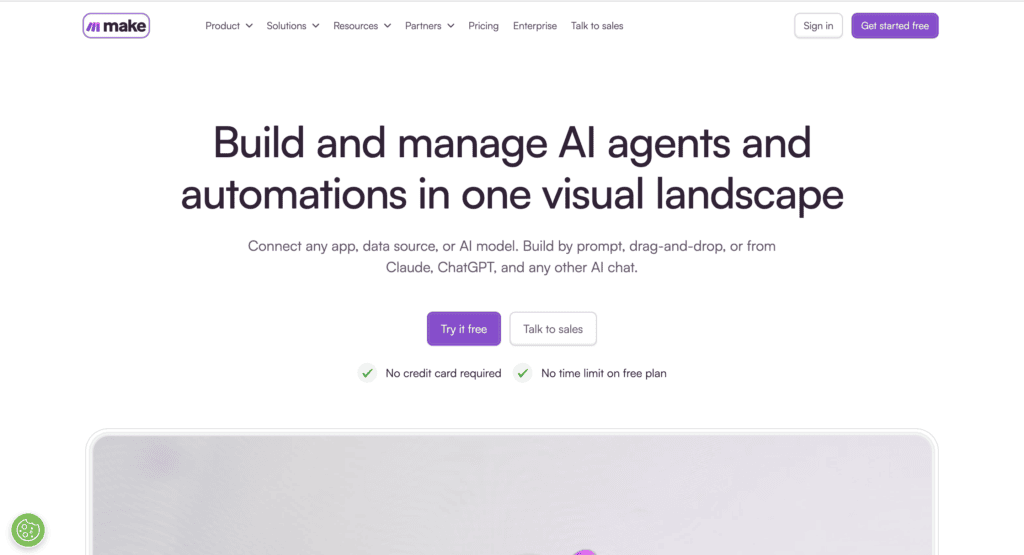
What it does: Make is a visual scenario builder that allows the user to connect applications, modules and conditional routes. It facilitates branching, filtering and transforming data.
Key AI features: Make AI Agents, AI Toolkit, external AI model integrations and AI-based data processing.
Example workflow: A customer enquiry is handled by the AI which identifies the priority of the enquiry and directs it to the correct support department.
Pricing: Make has a free plan which offers 1,000 monthly credits. Core starts at $12 per month for 10,000 credits, while Pro starts at $21 per month for the same allowance.
Pros: Visual builder, advanced branching and flexible multi-step workflows.
Cons: Complex scenarios require planning, credit consumption increases with activity, and troubleshooting requires familiarity with the interface.
Best for: Agencies and operation teams dealing with information in many different applications.
Limitation: Its flexibility creates a learning curve for beginners.
3. Gumloop – Best for AI-Driven Workflows
Verdict: Suitable for teams to automate research, automate data processing and content processing using AI.
Tier: Accessible AI-first automation.
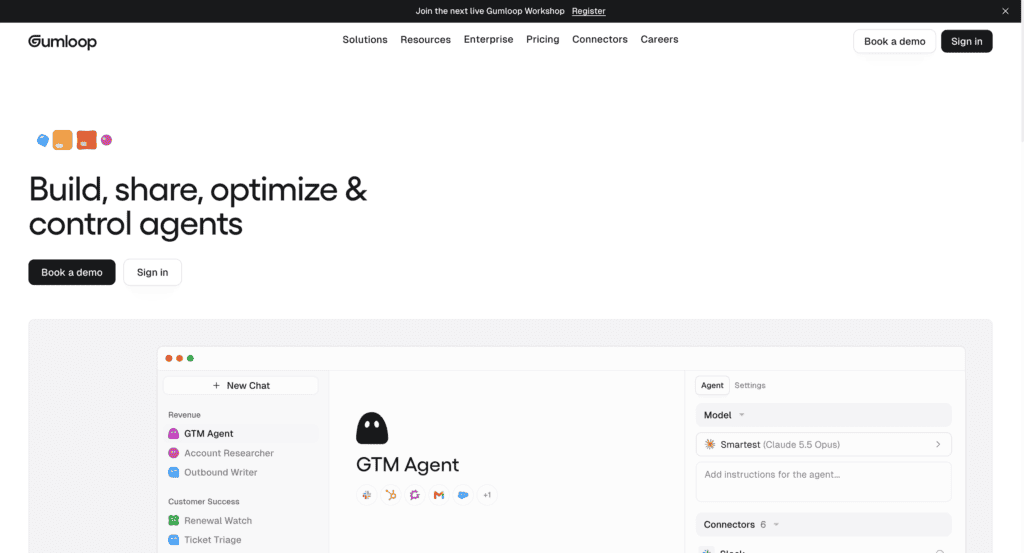
What it does: Gumloop is a visual environment to interlink data sources, AI models and AI automation procedures.
Key AI features: AI agents, LLM integrations, information extraction, classification and AI-assisted research.
Example workflow: A content team gathers data across various sources and passes the data through an LLM and gathers the data in an Excel spreadsheet.
Pricing: Gumloop Pro starts at $37 per month with 20,000 monthly credits. Enterprise pricing is customised.
Pros: AI-centric workflow development, a variety of model integrations and data-processing functionalities.
Cons: AI adoption impacts expenses, prompt development needs an understanding of LLMs, and integration needs to be verified.
Best for: Research teams, content agencies and businesses automating document analysis.
Limitation: Depending on the larger size of the legacy system, the organisation might be limited to more API development.
4. n8n – Best for Self-Hosted Automation
Verdict: An excellent alternative when the developers need custom logic and the flexibility to deploy that code.
Tier: Technical and self-hostable automation.
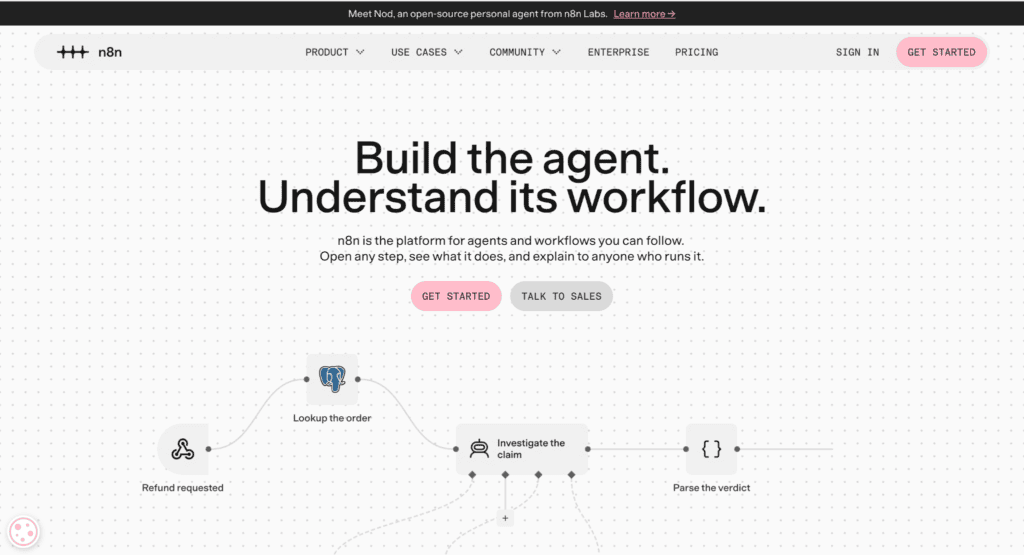
What it does: n8n is an application that operates on a node-based editor to interconnect applications, databases, APIs and AI services. JavaScript and custom logic can be added by the developers.
Key AI features: AI Agent nodes, LLM integrations, RAG workflows, connections with vector databases and MCP integrations.
Example workflow: Customer emails are processed by AI which analyses and classifies and transfer to a corresponding CRM record.
Pricing: n8n provides a Community Edition that is self-hosted and paid cloud plans. Its Starter cloud plan starts at €20 monthly with annual billing and includes 2,500 executions.
Pros: Self-hosting, code flexibility and AI integrations.
Cons: : It involves technical knowledge, self-hosting implies maintaining and monitoring brings more responsibilities.
Best for: Developers and technical operations teams.
Limitation: Security of infrastructure, updates and maintenance must be taken care of.
5. Tray.ai – Best for Enterprise Integrations
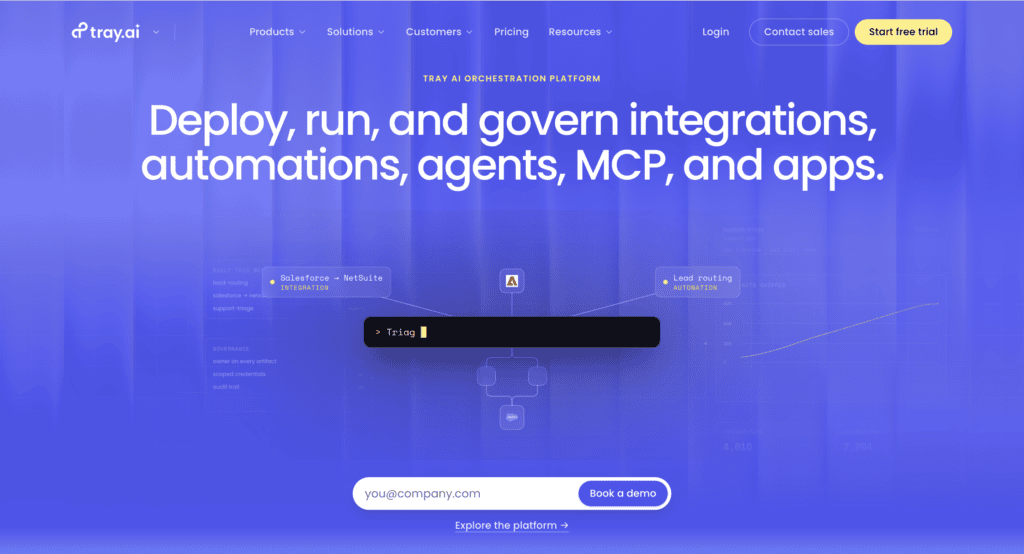
Verdict: Appropriate in the cases of organisations, which need to link various enterprise applications and create AI agents.
Tier: Enterprise automation.
What it does: Tray.ai offers iPaaS features for connecting applications, APIs and business processes.
Key AI features: Merlin Agent Builder, Agent Gateway, AI-assisted workflow development and enterprise observability.
Example workflow: Sales information is gathered on various systems, processed by AI services and routed into the appropriate business applications.
Pricing: Tray.ai provides usage-based packages that include Tasks and Helix Compute Units. Enterprise pricing is customized.
Pros: Enterprise integrations, AI agent development and governance capabilities.
Cons: It requires the implementation planning, technical resources and assistance in their utilization.
Best for: IT departments and large organisations.
Limitation: It may be excessive for businesses with simple automation requirements.
6. Workato – Best for Enterprise-Wide Automation
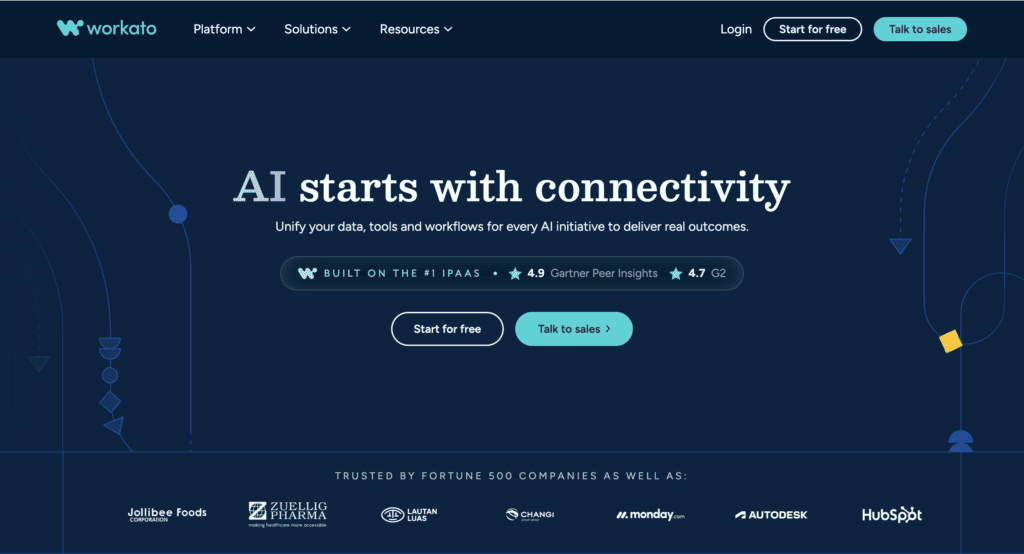
Verdict: Designed for organisations with complicated working processes amongst departments.
Tier: Enterprise automation.
What it does: Workato is a combination of application integration, data orchestration and recipe-driven business automation.
Key AI features: AI agentic automation, intelligent document processing, developing workflows with the help of AI, and enterprise governance.
Example workflow: Information on the onboarding of employees is passed across HR, identity management and IT service systems and approvals are involved.
Pricing: Workato uses a platform edition fee alongside usage fees. Enterprise pricing is customised.
Pros: Enterprise integrations, governance and monitoring capabilities.
Cons: Custom pricing, implementation needs and possibly unwarranted complexity with smaller teams.
Best for: Large businesses, IT teams and RevOps departments.
Limitation: Implementation may require specialist resources.
Comparison of Workflow Automation Platforms
| Platform | AI capabilities | Self-hosting | Learning curve |
| Zapier | AI steps, agents | No | Low |
| Make | AI Agents, Toolkit | No | Medium |
| Gumloop | LLMs, AI agents | Verify options | Medium |
| n8n | AI agents, LLM nodes | Yes | High |
| Tray.ai | Agent Builder, MCP | Enterprise options | High |
| Workato | Agentic automation | Enterprise options | High |
How Much Time Can Workflow Automation Save?
Consider a business processing 40 repetitive tasks every week, with each task taking 15 minutes.
| Calculation | Time |
| Weekly tasks | 40 |
| Manual time per task | 15 minutes |
| Total time | 600 minutes |
| Potential time released | 10 hours |
It is an example computation, not a metric standard. Real savings are dependent on task volume, workflow complexity, human reviews and exceptions.
The three helpful opportunities of automation are lead management, lead enrichment via AI and document extraction to spreadsheets.
How to Choose the Right AI Workflow Automation Software
The best business workflow automation software will be based on the needs of your team:
- Small businesses: Zapier and Make provide easy no-code automation.
- AI-focused teams: Gumloop supports AI-heavy data and content workflows.
- Developers: n8n provides custom logic and self-hosting.
- Enterprise IT teams: Tray.ai and Workato help to maintain complex integrations and management.
Prior to purchasing, estimate monthly usage at 1,000, 10,000 and 100,000 tasks or workflow events. Compare applicable billing departments as opposed to subscription prices alone.
Frequently Asked Questions
1. What is the best AI workflow automation tool?
Zapier is suitable for beginners, Make for visual automation and n8n for developers. Tray.ai and Workato are used to solve enterprise integration issues.
2. What is the difference between workflow automation and AI workflow automation?
The traditional automation is programmed according to predefined rules and triggers. Another application of AI in workflow automation is the classification of information and the extraction of insights and support for decision-making by the use of language models and intelligent agents.
3. Which workflow automation software is best for small businesses?
The appropriate starting points would be Zapier and Make as they provide no-code interfaces and integrations among applications. Compare their prices and the monthly allowable usage.
4. n8n vs Make vs Zapier: Which should you choose?
Select n8n as a self-hosting option, Make as a visual-branching option and Zapier for simple application integrations. Take into account technical abilities and intended use.
5. How much do workflow automation platforms cost?
Pricing varies. Make Core is priced at $12 a month, Gumloop Pro is priced at $37 a month and n8n Starter is priced at €20 monthly with annual billing. Enterprise platforms have tailored pricing.
6. When do you need an enterprise workflow automation platform?
Workato and Tray.ai is when the automation involves more than one department and is required to be controlled centrally, monitored, provided with security and include complex integrations.
7. Is no-code workflow automation reliable for business-critical processes?
It can facilitate key processes with the right validation, monitoring, retry mechanisms, error handling, and human approvals.
8. How many hours can digital workflow automation save weekly?
The amount of savings is contingent on the volume and complexity of tasks. Automating 40 weekly tasks that each take 15 minutes can release up to 10 hours of manual processing time prior to reviews and exceptions.
Conclusion
AI workflow automation tools assists companies in minimizing redundancy, and in integrating activities across applications. Zapier and Make are available for automation, Gumloop takes an AI approach to workflows and n8n provides flexibility to a developer. Workato and Tray.ai cover the needs of enterprises.
Identify time-consuming processes, compare the requirements for integration and estimate the cost of using a platform over the long-term before choosing a platform.