
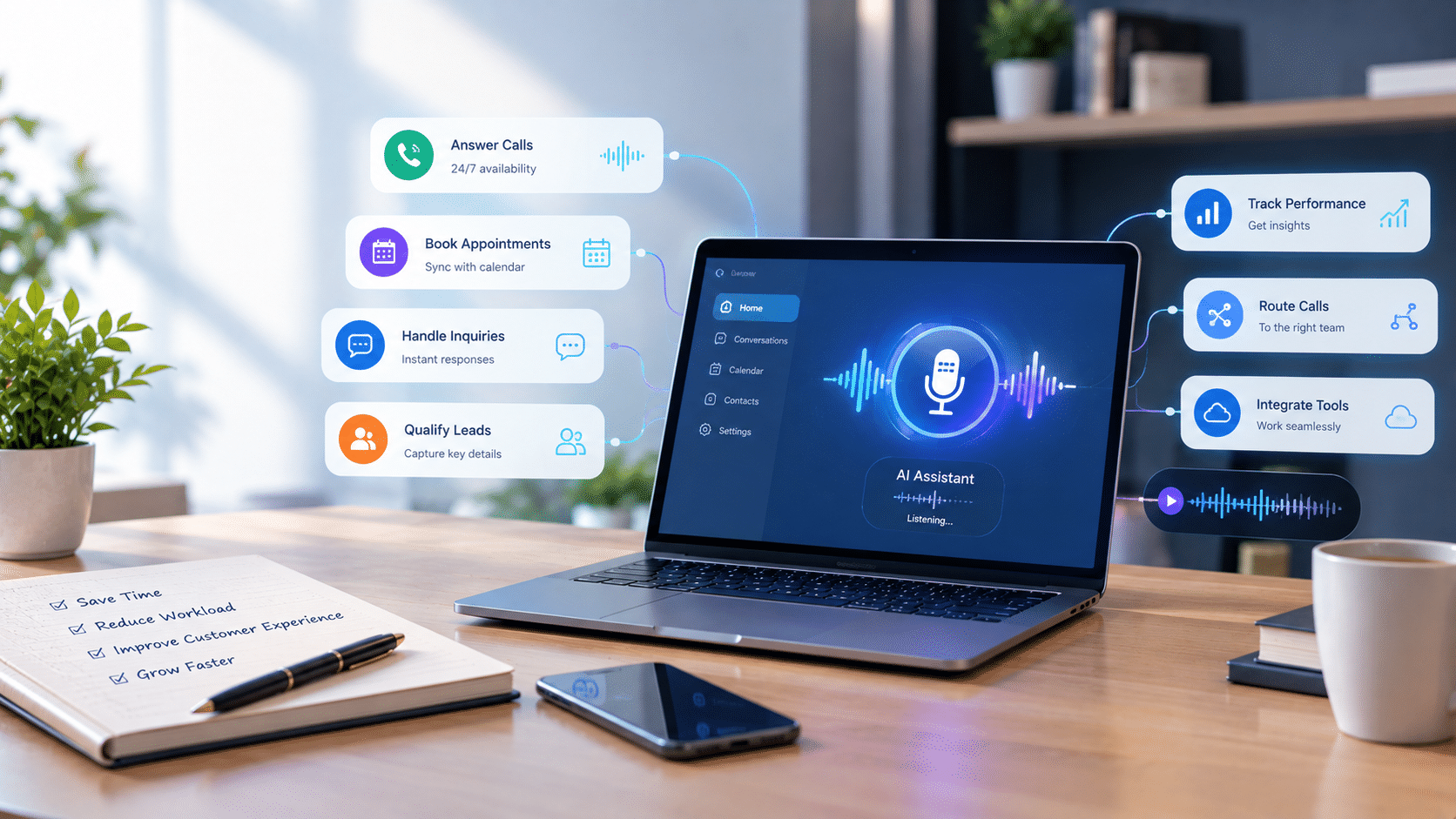
Conducting business implies dealing with more than the work that generates revenue.
Small administrative duties require hours to be met, emails to be sorted, and customer calls to be followed up, as such, small ventures like administration take up hours that would be spent growing the business.
A virtual assistant (AI) will be able to help with much of this job. It can also write emails, maintain calendars, recap meetings, find information on the company, and automate operations across the apps that are related to each other within any specific platform as long as it is able to.
The global intelligent virtual assistant market revenue reached USD 15.3 billion in 2023. Its market is projected to hit an astounding USD 309.9 billion by 2033.
Not all virtual AI assistants do so the same way.
They have those that concentrate on scheduling, those that specialize in taking meeting notes and some that are able to execute multi-step processes in business applications.
This guide compares eight alternatives for U.S. businesses based on practical use cases, strengths, and what to consider before settling on a solution.
Key Takeaways
- Select an AI assistant depending on the task you would like to delegate, rather than on what features it provides.
- Lindy and Zapier Agents have a workflow automation approach, and Motion and Reclaim.ai are specialized in scheduling and productivity.
- Fathom, Otter.ai and Fireflies.ai are used to record meetings, and coordinate post-meeting activities.
- Superhuman AI is concerned with email productivity.
- Accuracy of tests, integrations, privacy settings, and approval requirements prior to the assistant being authorized to perform business critical functions.
8 AI Virtual Assistants Compared
| Tool | Best for | Free option |
| Lindy | Multi-step task automation | Free credits |
| Zapier Agents | Connecting business apps | Free access |
| Motion | Task and calendar planning | Free trial |
| Reclaim.ai | Calendar optimization | Free plan |
| Fathom | Meeting summaries | Free plan |
| Otter.ai | Transcription and notes | Free plan |
| Fireflies.ai | Meeting intelligence | Free plan |
| Superhuman AI | Email productivity | Paid plans |
1. Lindy
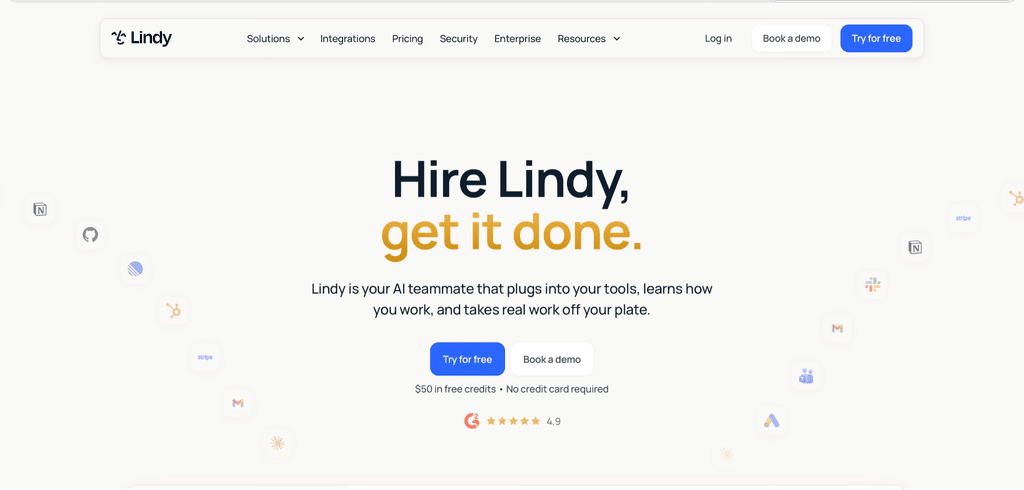
Best for: Automation of administrative work in business applications.
Lindy uses services like Gmail, Slack, Notion, and HubSpot to assist with research, composing emails, and following up on meetings, as well as the automated workflows.
It has customizable AI agents as well.
How I evaluated it: I estimated its suitability to a workflow that includes email triage, meeting summary, and follow-up tasks.
It possesses a likable cross-app automation, nonetheless, advanced workflows must be meticulously configured and tested.
2. Zapier Agents
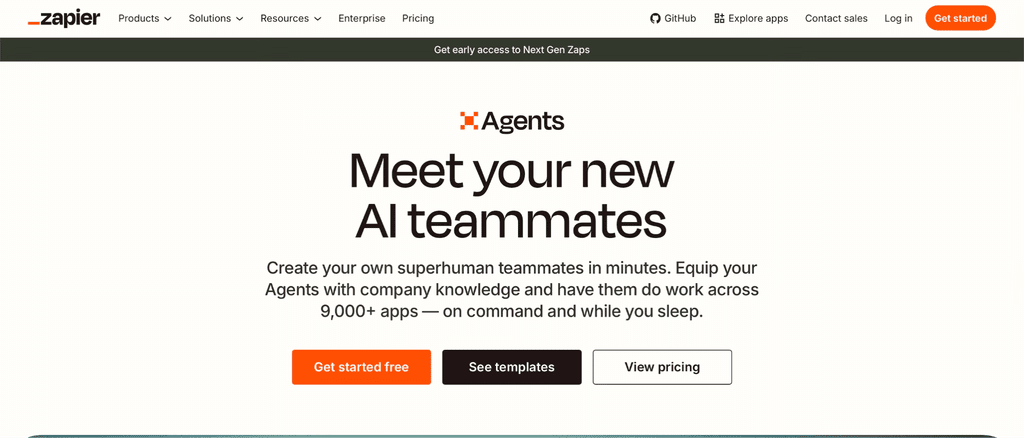
Best for: To automate repetitive tasks in connected business apps.
Zapier Agents will enable the user to build AI-based agents that will integrate with apps and business information.
It suits teams that need to automate the processes and not build each integration separately.
How I evaluated it: I have taken into consideration a lead-management workflow, which receives a request and then structures the information and gets it to the proper system.
The main advantage is the capacity to connect the already existing tools; the permissions and error management should be implied.
3. Motion
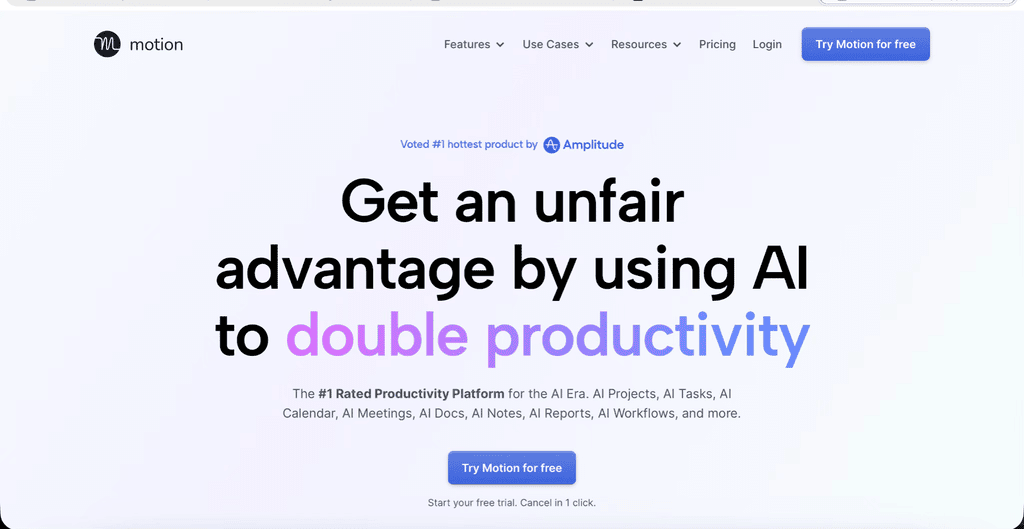
Best for: Teams with tight timetables and deadlines to meet.
Motion arranges the tasks according to the priority automatically, draws up work schedules in accordance with calendar availability, and changes plans in case of changed deadlines and meetings.
How I evaluated it: I rated its coping capacity with respect to a day where there were meetings, urgent tasks and long projects.
Its automatic re-planning may deal with busy teams but the results will be according to the correct priorities of tasks and due dates.
4. Reclaim.ai
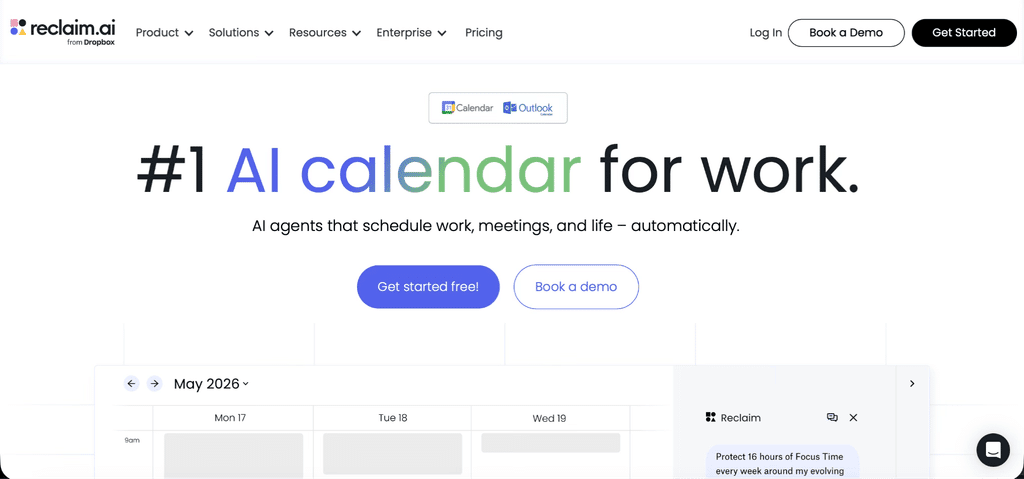
Best for: Professionals that require higher degrees of control of the calendars.
Reclaim can be applied to plan meetings, guard focus time, organize habitual activities and personalize schedules. It supports Google calendar and outlook calendar.
How I evaluated it: I thought of how it balances work and meetings.
The fact that it is schedule-oriented allows it to be an efficient substitute to the professionals that need calendar help and not an artificial assistant.
5. Fathom
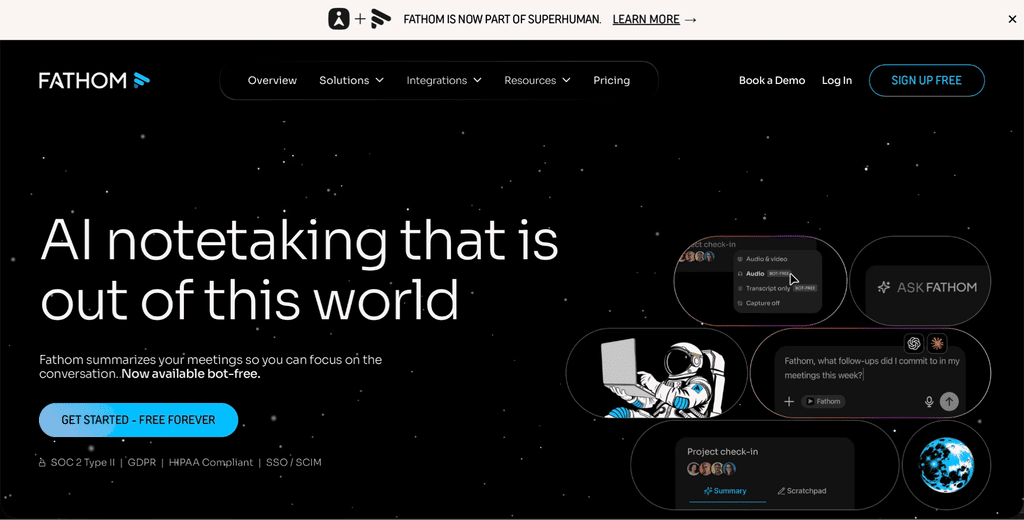
Best for: Small businesses desiring a less complex meeting documentation.
Fathom tape-records meetings, summaries and highlights of important moments and action items. It may lead the sales forces and consultants to reduce paperwork in taking notes.
How I evaluated it: I evaluated how I can use it with my calls with clients where a decision and follow up should be documented.
It is most applicable in cases where the meeting notes are the key demand, instead of the overall administrative automation.
6. Otter.ai
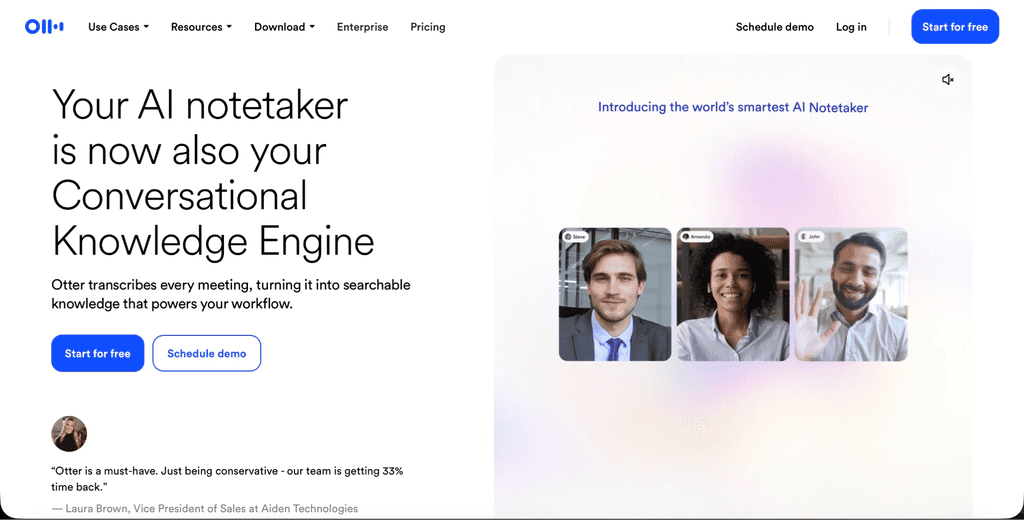
Best for: Teams that need searchable transcripts and meeting notes.
Otter.ai provides live transcription, automated summaries, action items, and AI-driven queries of meeting content. It helps to work in Zoom, Google Meet and Microsoft Teams.
How I evaluated it: I judged it based on its usefulness in a range of interviews, meetings within the organization, and customer interactions.
Its transcripts are searchable, thus saving time, although crucial names, figures, and decisions must be verified against the recording.
7. Fireflies.ai
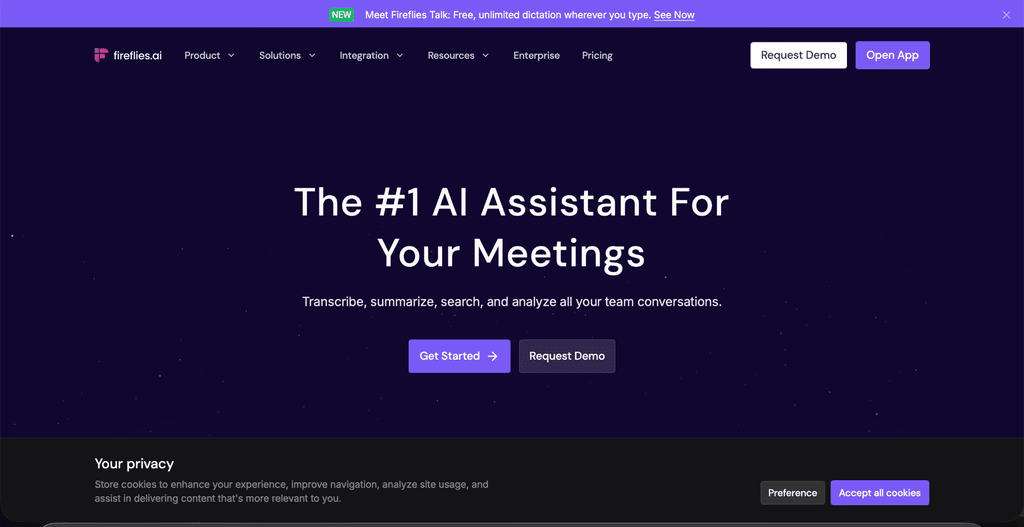
Best for: Teams would like to have a searchable repository of meetings and interlinked workflows.
Fireflies records discussions, draws up summaries, derives action points, and connects the services offered by the meetings to other work products.
How I evaluated it: I rated it based on the fact that it helps teams that have to review customer conversations or they need to know information about meetings that will flow within their current workflows.
It can only be helpful provided that integrations are incorporated into processes within the team.
8. Superhuman AI
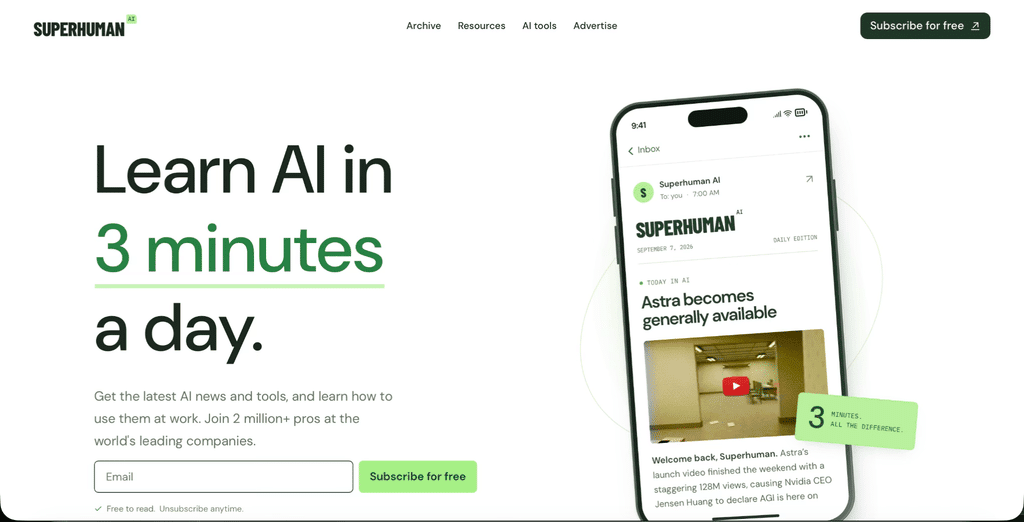
Best for: Executives and professionals managing high email volumes.
Superhuman AI focuses on email productivity, helping users to write more productively, summarizing chats and managing inbox tasks.
How I evaluated it: I thought it would work well in a workflow where long email chains, follow-up messages, and focus on responses are done. It is an inbox management oriented option, not an overall business operations assistant.
How to Choose the Right AI-Powered Virtual Assistant
First, find out the task that requires the longest time.
Compare with Motion in the event of scheduling issues. In case meetings produce excessive follow-ups, check Fathom, Otter.ai or Fireflies.ai.
For bigger automation of the tasks, evaluate Lindy and Zapier Agents.
Access to check data, data storage, user permissions and approval before associating an AI-driven virtual assistant to corporate systems.
Begin with jobs that are least risky, and the results of the job should, first, be tested out before the software is given freedom to deliver any external transmissions or modify any of the recordings of values.
Final Thoughts
The most suitable AI virtual assistant will be the one that will match your workflow and is the one that will reduce redundant work.
Begin testing it on a single example, and then to actual tasks and measure the time saved without errors.
For most businesses, the most intelligent way is to automate routine work but leave the decisions that are sensitive and need human involvement, customer relations and ultimate approval to be left in the hands of people.